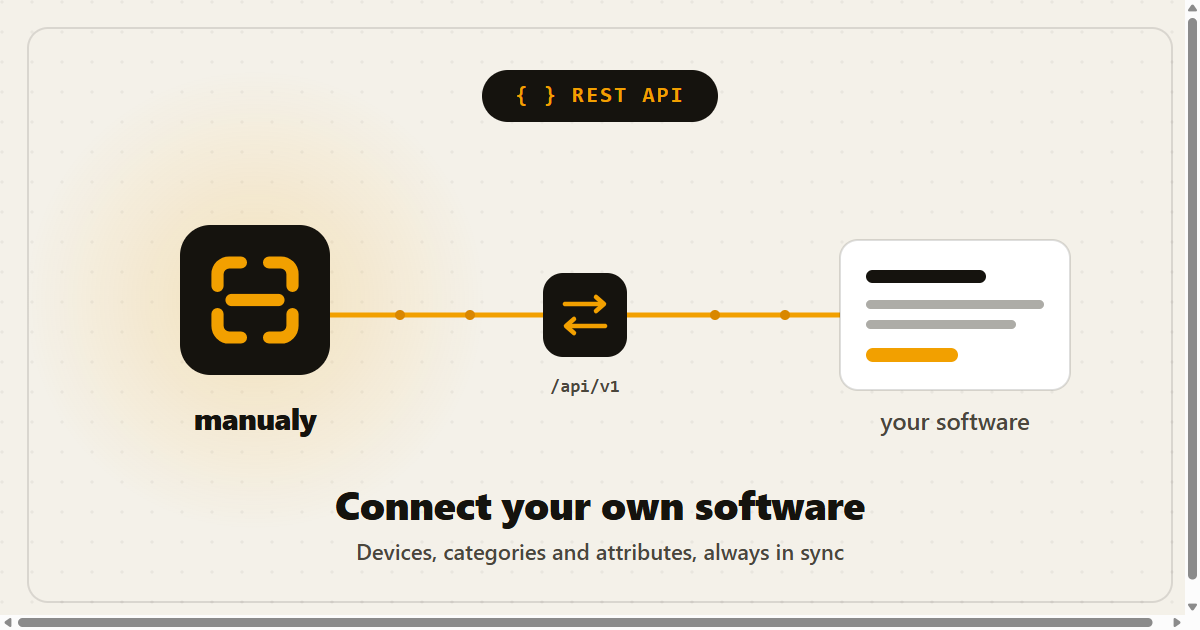
You can now connect manualy directly to your own software through our new REST API (v1). Already managing your devices in another tool, for example a rental or inventory system? Everything stays in sync automatically, with no manual re-entry.
What you can do
- Create and update devices
- Create and update categories
- Set attribute values, for example to sync a maintenance date
- Link existing manuals to a device or category
Writing the manuals themselves (steps, photos, videos, translations) stays in the web app or via the AI connector. The API is built for connecting your own systems.
How to get started
- In the Management menu, open the REST API page.
- Create a token with a recognizable name, for example "Rental system", then copy it. For security it is shown only once.
- Send the token with every request as
Authorization: Bearer <token>, together withAccept: application/json.
The token inherits your organization: everything the integration creates or changes lands in the right organization automatically, and only there. You can revoke a token at any time.
The base URL is https://manualy.be/api/v1, with a limit of 120 requests per minute per token. The full reference, with all endpoints and examples, is available in the API documentation.